Digital Finance
Oil & Gas: Financial Insights Generator - an analytics solution that helps users obtain financial insights with speed and free up capacity to make informed decisions.
- Client
- Malaysian Oil & Gas Company
- Role
- UX & UI design, research
- Year
- Jun 2019 to Aug 2019
- Discipline
- Experience Design
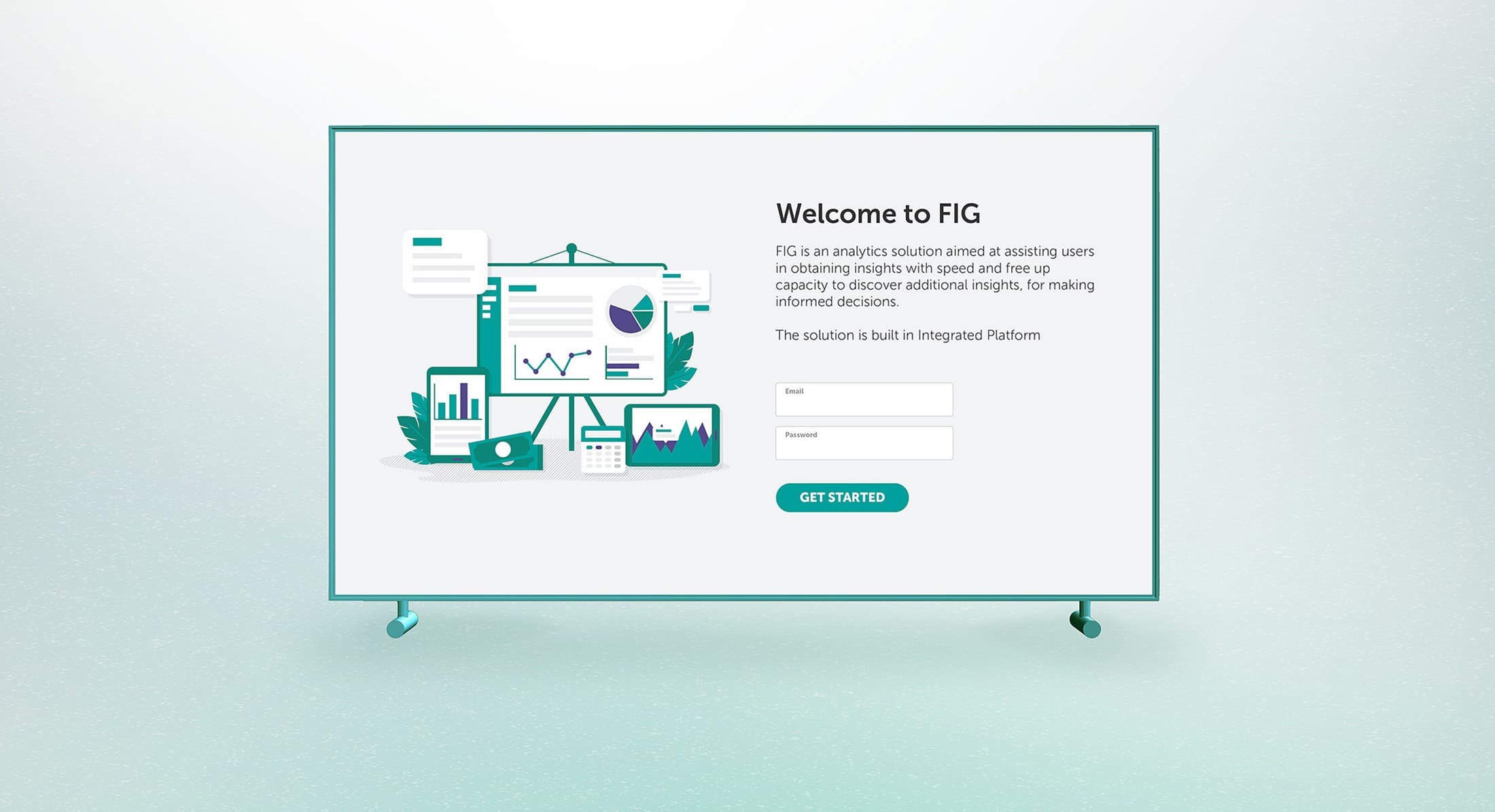
The existing financial dashboard was built from an off-the-shelf product with poor data architecture and a confusing user experience, causing a slow, manual process to gather financial insights and complete the monthly report. The upgraded Financial Insights Generator is an analytics solution aimed at assisting users in obtaining insights with speed, freeing up capacity to discover additional insights and make informed decisions.
The Challenge
How might we make better decisions based on financial insights?
The Goal
Improve efficiency in utilising mixed and manually collected data to generate financial insights.
The Pain Points
- Overlapping and duplicated tools, located in different toolboxes.
- Manual collection, consolidation, and transformation of data.
- Data accuracy and timeliness hampered by hard and soft barriers.
UX Research: As-is process
Before the team initiated the redesign project, Fjord conducted extensive research to lay the foundation for a digital experience that enables operations, planning, finance, and marketing professionals from the business to collaborate and communicate effectively. Interviews and workshops were conducted to deep-dive into the existing process and define the future-state journey.
Solution: Simplify layout
The current layout lacks a clear information hierarchy, resulting in ambiguity about the intended sequence for reading the information. We restructured the landing page around a clear reading order, from headline profitability figures down to detailed variances.
Solution: Personalised navigation
Different sets of personas view the data differently, so the dashboard navigation is embedded with a customisation feature. This allows users to pick and choose which set of data and which view is placed at the most accessible navigation.
Solution: Standardised navigation and filtering
Because most of its users would arrive from the operations dashboards we had designed earlier, the navigation and filtering follow the same grammar: learn one screen and you have learned them all.
- Expandable and collapsible sections give better control and avoid information overload.
- Three standard display choices for every dataset - line chart, waterfall chart, and table - let users analyse the data at multiple levels of detail.
Usability testing
We put the dashboard in front of its main users in usability sessions and A/B trials, less to confirm the layouts than to watch how analysts treated the generated insights, and where the automation fell short of what they would have written themselves.
Synthesised usability results
Users would still want to add their own insights and highlights beside the automated ones generated by the data variances. Having a platform that also houses the user's insights and highlights adds more value to the dashboard, especially when they are backed by the generated data.
Handover
The design went to the development team on schedule, and it went with a direction attached. Testing had shown that analysts treat generated insights as a starting point they want to annotate, not a verdict to accept, so the handover documentation put user-authored highlights beside the automated ones on the roadmap. That single finding reframed the product from a reporting tool into a shared analysis surface, and it came straight out of the usability sessions.
Next case study13
View all workStronger Together